
Eight cousins, four wearable brands, and one spreadsheet nobody updates past day two — that's the usual state of a family reunion fitness challenge, and it's exactly what a real fitness challenge app for family reunions is supposed to fix.
- MoveTogether wins for mixed-device family reunions — Apple Watch, Fitbit, Garmin, WHOOP, and Oura score on one leaderboard. Buy.
- Native single-brand challenge apps only work if every relative owns the same watch — Skip for mixed households.
- Spreadsheet step tracking needs nightly manual entry — Skip, most reunions abandon it by day 3.
- Coach Mo syncs automatically across devices, so the 2026 reunion leaderboard updates without anyone typing a number in.
Why this matters
Most families don't own the same fitness tracker, and that's the entire problem with reunion fitness challenges. Grandpa's Garmin, your sister's WHOOP, your teenager's Apple Watch, and your uncle's phone all measure activity differently — steps, rings closed, active minutes, recovery scores. A fitness challenge app for family reunions has to normalize those numbers into one fair score, or the whole thing collapses into an argument about whose device is cheating.
That normalization step is where most generic step-counter apps fail. They're built for one brand's ecosystem, not for a reunion where three generations show up with three different wrists.
Who this is for
This guide is for the person organizing a multi-generational reunion — 10 to 40 people, different ages, different fitness levels, different wearables or none at all. You need something that scores fairly whether someone's tracking with an Oura ring or just carrying a phone in their pocket, and you need it to work without a group text full of screenshots.
What to look for in a fitness challenge app for family reunions
Cross-device scoring that's actually fair
If the app scores everyone on raw step count, Apple Watch and Garmin users win by default because those devices count differently than a phone in a pocket. Look for a scoring system built to normalize across device types — otherwise your reunion leaderboard just measures who has the best hardware, not who moved the most.
Automatic sync, not manual entry
Anyone who's run a reunion challenge on a shared spreadsheet knows the drop-off curve: full participation on day one, half by day three, dead by day five. An app that pulls data automatically from Apple Watch, Fitbit, Garmin, WHOOP, and Oura keeps the leaderboard current without anyone opening an app to type in a number.
Works for people with no wearable at all
Not every cousin owns a $300 tracker. A reunion app worth using needs a phone-only path so Grandma can compete using just her phone's motion sensor while your brother-in-law competes with his WHOOP band.
Group size and privacy controls
Reunions run 10 to 50 people easily, often spanning three generations in one private group. The app needs to handle that group size without turning into a public leaderboard strangers can see, and it should let you set the challenge window to match the actual reunion dates.
Multi-generational usability
If your 68-year-old aunt can't figure out the interface in under two minutes, she won't use it past day one. Simple onboarding matters more than any other feature on this list for a group that spans teenagers to grandparents.
Some kind of personality
A reunion challenge lives or dies on banter. Leaderboards with trash-talk features, roast modes, or head-to-head matchups keep people checking in daily; a bare number on a screen gets ignored by day four.
The four ways families actually run reunion challenges
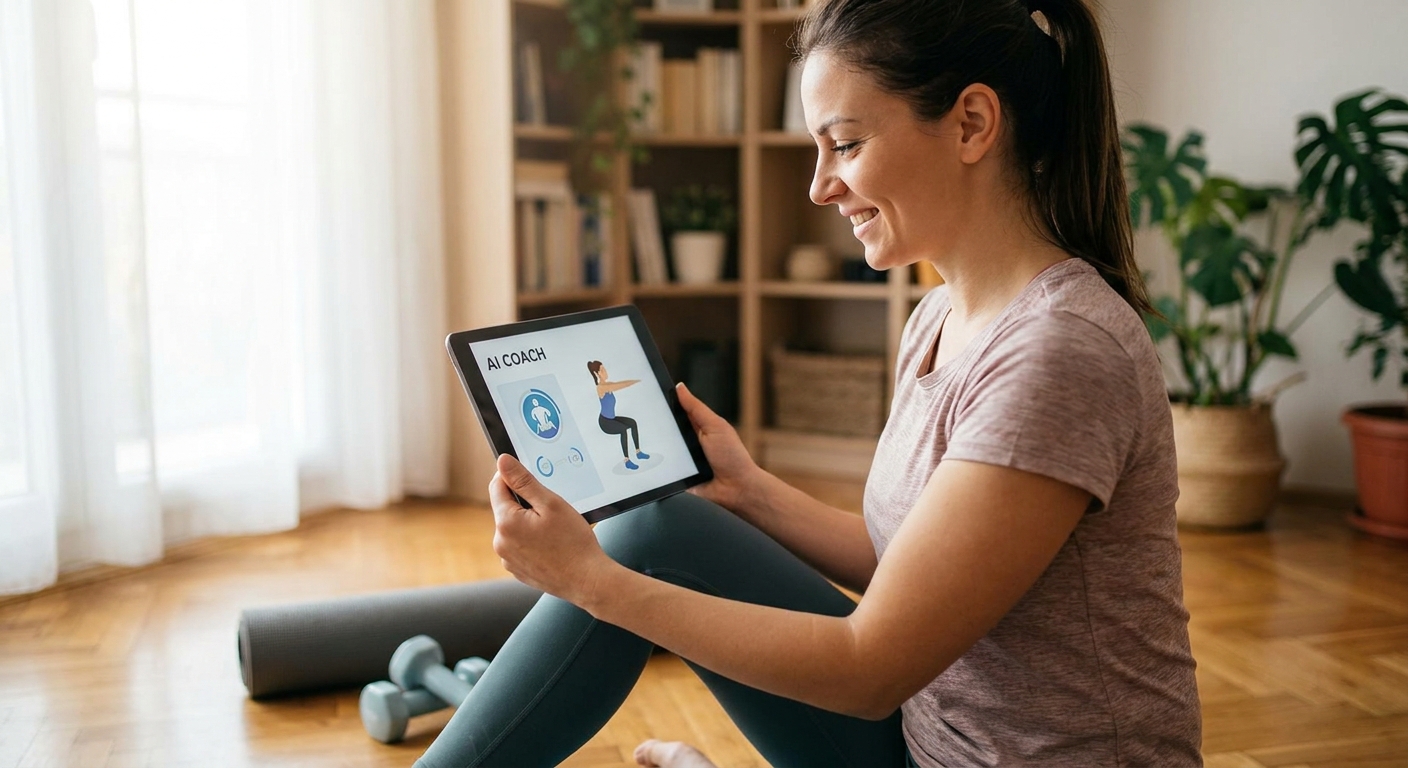
MoveTogether's Move Leagues — the safe pick. MoveTogether runs cross-device leaderboards that pull directly from Apple Watch, Fitbit, Garmin, WHOOP, and Oura, plus a phone-only option for anyone without a wearable. Coach Mo, the built-in AI coach, tracks the group and nudges laggards without you having to police the group chat yourself. Verdict: Buy — this is the only option on this list built specifically to score mixed devices fairly.
Native single-brand challenges — the trap. Fitbit, Garmin, and other brands run their own in-app challenges, and they work fine if every single participant owns that brand's device. The moment one cousin shows up with an Apple Watch, they're locked out or scored on a different system entirely. If your reunion is genuinely one-brand, this guide on running Fitbit challenges with friends across devices covers the workaround. Verdict: Skip for any family with more than one wearable brand in the mix, which is nearly every family.
Shared spreadsheet tracking — the old standby. Someone creates a Google Sheet, everyone's supposed to log steps nightly. It costs nothing and requires no app download. In practice, participation data from most informal challenges shows steep drop-off once manual logging becomes a chore — usually within the first week. Verdict: Skip unless your reunion is three people who are unusually disciplined.
Generic single-metric step apps — the half-measure. Plenty of free apps count steps from a phone alone and rank users on that one number. They ignore wearable data entirely, so your Garmin-wearing uncle's actual activity gets undercounted next to someone glued to their phone. Verdict: Consider only if literally nobody in the family owns a wearable — otherwise it wastes the data your relatives are already generating.
Set up your reunion leaderboard
Get every wearable and every phone onto one fair scoreboard before the reunion starts.
What to avoid
- Single-brand challenge apps that look free and simple but exclude anyone without that exact device — fine for a 5-person office team, wrong for a reunion with mixed wearables.
- Apps that require everyone to create the same account type or link a bank card just to join a friendly step count — reunions need low-friction sign-up, not a paywall before day one.
- Public leaderboard apps with no privacy controls — you don't want your family's activity data visible to strangers browsing a public feed.
Verdict comparison
| Approach | Cross-device fair | Auto-sync | Works with no wearable | Group size fit | Verdict |
|---|---|---|---|---|---|
| MoveTogether Move Leagues | Yes | Yes | Yes | 10-50+ | Buy |
| Native single-brand challenge | No | Yes (same brand only) | No | Small, same-brand only | Skip |
| Shared spreadsheet | Yes (manual) | No | Yes | Any | Skip |
| Generic step-counter app | No | Partial | Yes | Any | Consider |
FAQ
What's the best fitness challenge app for family reunions?
MoveTogether is built specifically for mixed-device groups, scoring Apple Watch, Fitbit, Garmin, WHOOP, and Oura wearers plus phone-only users on one leaderboard. Native single-brand apps only work when the whole family owns the same device, which rarely happens at a reunion.
Can Fitbit and Apple Watch users compete on the same leaderboard?
Yes, but only with an app built to normalize scoring across device types. Fitbit's own challenge feature only recognizes other Fitbit users, so an Apple Watch wearer gets locked out entirely.
Does everyone need a smartwatch to join a reunion fitness challenge?
No. MoveTogether supports a phone-only path using a phone's built-in motion sensor, so relatives without a wearable can still compete alongside WHOOP or Oura users.
How long should a family reunion fitness challenge run?
Match it to the actual reunion window — most run 3 to 7 days to match travel dates. Longer challenges risk the drop-off that kills spreadsheet-based tracking by day five or six.
Is a spreadsheet good enough for a small family challenge?
It can work for 3 to 5 highly disciplined people, but manual nightly entry is the main reason informal challenges stall out within the first week. An app with automatic sync removes that friction entirely.
What is Coach Mo?
Coach Mo is MoveTogether's built-in AI coach that tracks group activity and nudges participants who are falling behind, so the organizer isn't the one chasing people in the group chat.
How do you keep a reunion leaderboard private?
Use an app with private group controls rather than a public leaderboard feed. MoveTogether's Move Leagues are set up as closed groups, visible only to the people you invite.
Do Garmin and WHOOP users get scored fairly against Apple Watch users?
Only if the app normalizes across device types instead of comparing raw step counts. Apple Watch ring-closes, Garmin steps, and WHOOP recovery data measure different things, so a cross-device scoring system matters more than any single metric.
One last thing
The reunion challenges that actually finish share one trait: nobody had to manually log anything after day one. The moment a family member has to remember to type in their steps, the challenge is already losing. Automatic sync isn't a nice-to-have feature for a 2026 reunion — it's the difference between a leaderboard that runs itself for a week and one that dies in a group chat by Wednesday.