Fitbit's built-in challenges only work Fitbit-to-Fitbit — the moment your friend switches to an Apple Watch or shows up with a Garmin, the leaderboard breaks. Here's how to run a real fitbit challenge friends actually want to join, no matter what's on their wrist.
- Fitbit's native challenges (Workweek Hustle, custom challenges) only support Fitbit-to-Fitbit competition — Apple Watch and Garmin users can't join.
- MoveTogether syncs Fitbit, Apple Watch, Garmin, WHOOP, Oura, and phone-only data into one shared leaderboard for a real fitbit challenge friends can join from any device.
- Pick a fairness-adjusted metric like active zone minutes instead of raw steps before anyone joins — steps punish desk workers and reward dog walkers.
- Move Leagues run on 7-day or 30-day cycles in 2026, with Coach Mo flagging sync gaps before they wreck a leaderboard.
Why this matters
Most friend groups are mixed-device by 2026. One person has a Fitbit Charge, one has an Apple Watch Series, someone's on a Garmin for running, and somebody just uses their phone. Fitbit's app treats that as four separate ecosystems — it can't rank them together.
That's the actual reason most "let's do a step challenge" group chats die after three days. Nobody quits because they lost. They quit because half the group couldn't even join.
A fitbit challenge friends will stick with needs two things: a scoring method that doesn't secretly favor one device, and a platform that reads data from all of them. Fitbit alone gives you neither.
What you'll need
- A Fitbit account with at least one week of activity history (steps or heart rate data)
- The MoveTogether app on iOS or Android
- Friends' devices connected — Apple Watch, Garmin, WHOOP, Oura, or just their phone's built-in motion sensor
- 5-10 minutes to set device permissions on each phone
- A group chat or contact list to send invites
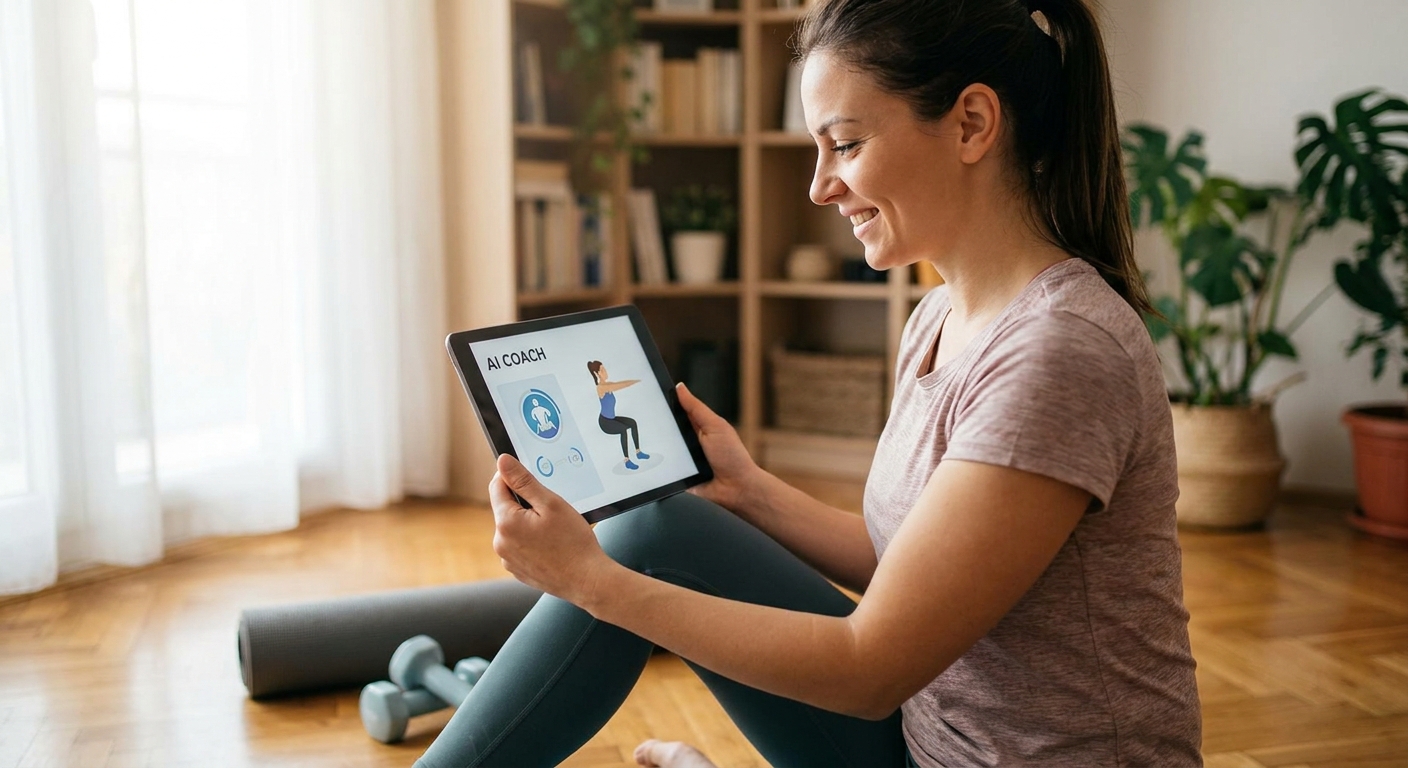
- Optional: Coach Mo, MoveTogether's AI coach, for pacing and scoring suggestions
The steps
1. Confirm your Fitbit is syncing cleanly
Open the Fitbit app and check the last sync timestamp before you build anything on top of it. If Fitbit is showing data from six hours ago, your challenge scores will be wrong from day one. Force a manual sync, then wait for a fresh timestamp within the last 30 minutes.
Common mistake: starting a challenge right after unboxing a new Fitbit. Give it 24 hours to establish a baseline heart rate zone before scoring anything tied to active minutes.
2. Stop trying to force Fitbit's native challenge feature to work cross-device
Fitbit's Workweek Hustle and custom challenges only pull from Fitbit accounts — there's no setting that adds an Apple Watch or Garmin user. Trying to work around this with shared logins violates Fitbit's terms and breaks individual health tracking. Skip it entirely.
This step matters because it saves you the 20 minutes people usually waste digging through Fitbit's settings menu looking for an option that doesn't exist in 2026.
3. Download MoveTogether and connect your Fitbit
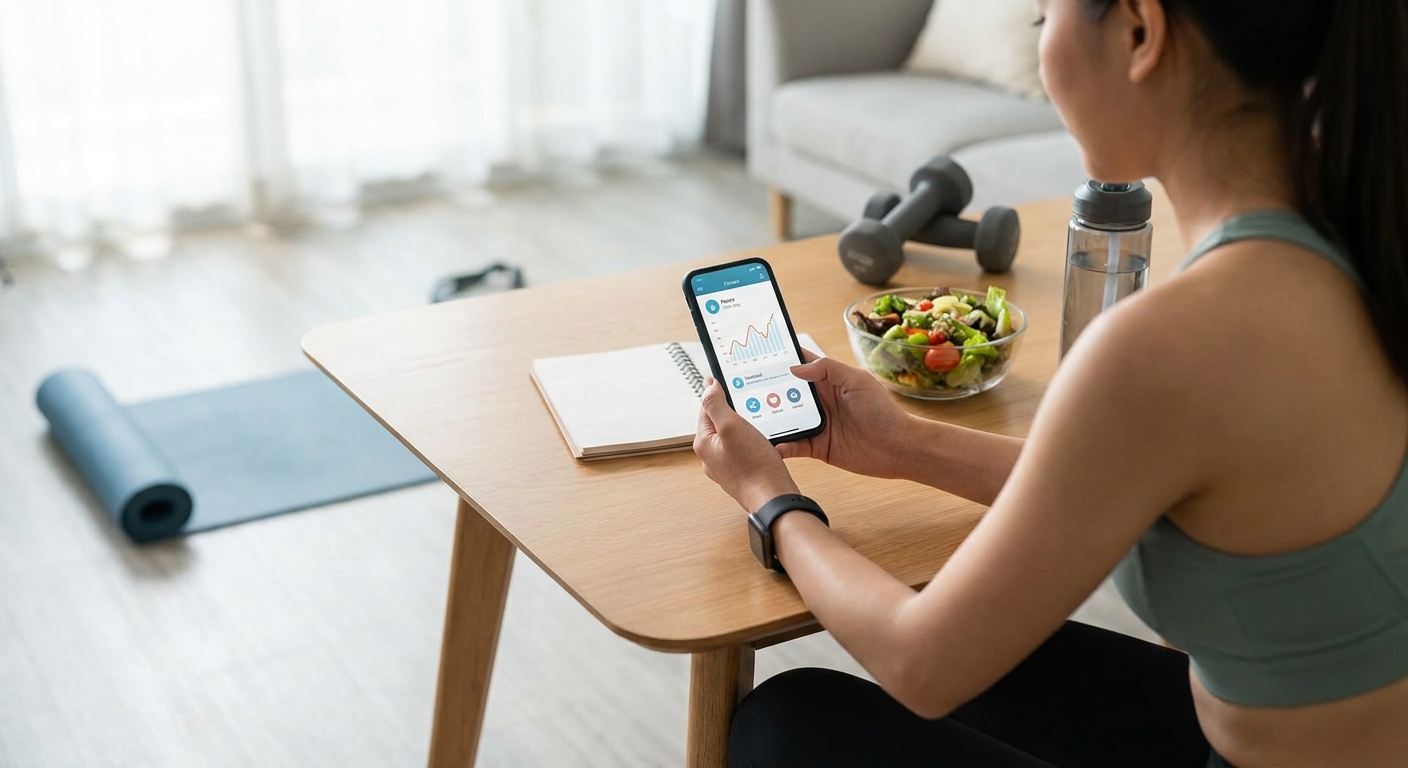
Install MoveTogether on iOS or Android, then link your Fitbit account through the device connection screen. The app pulls steps, active minutes, and heart rate zones directly from Fitbit's API — same data your Fitbit app shows you, just readable alongside everyone else's device.
Expected outcome: your Fitbit stats appear on a shared dashboard within a few minutes of connecting.
4. Have each friend connect their own device
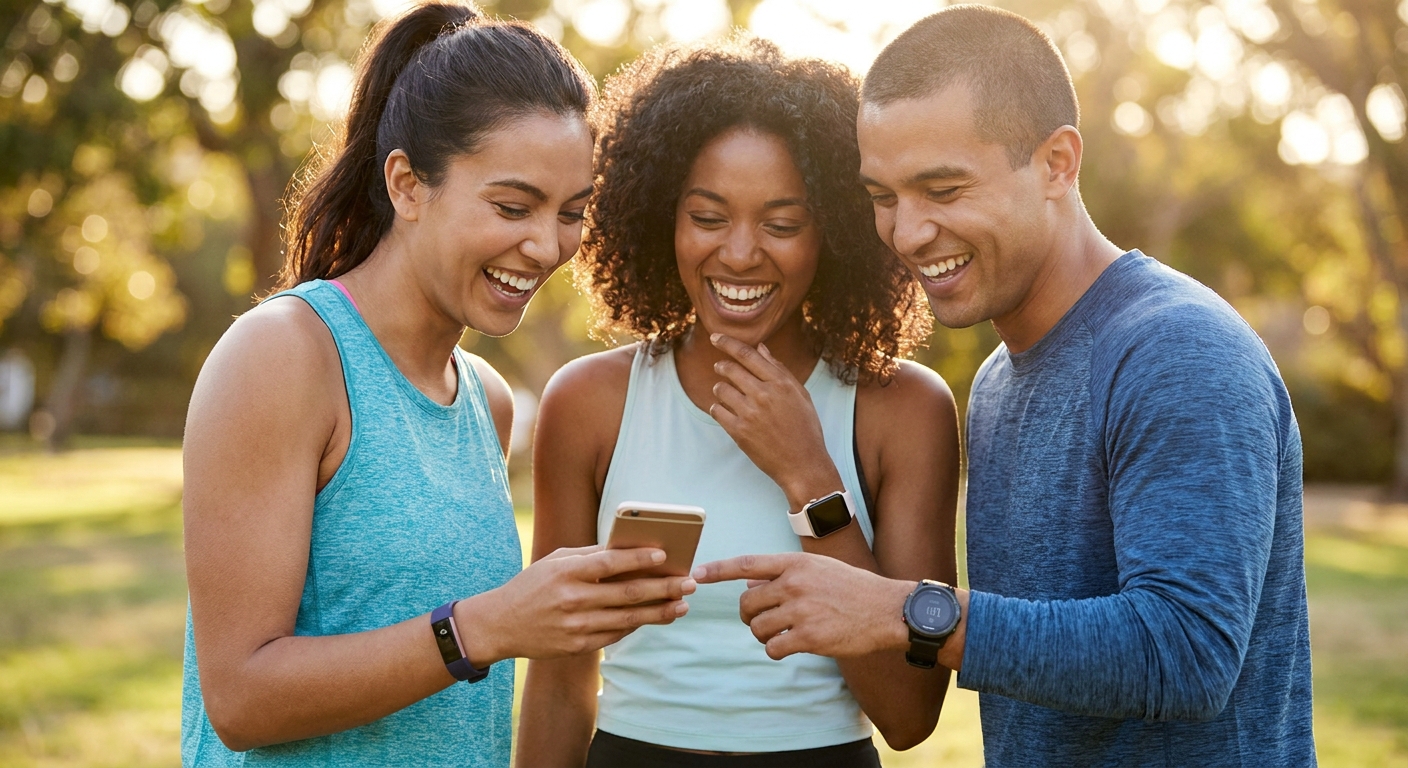
Send the group an invite link and have each person connect whatever they actually wear — Apple Watch, Garmin, WHOOP, Oura, or nothing at all (phone-only tracking still counts). This is the step that actually solves the fitbit challenge friends problem: everyone's real device, one leaderboard.
Common mistake: letting one person connect a device they don't wear daily. A Garmin that sits in a drawer three days a week tanks that person's score and makes the whole challenge feel rigged.
5. Pick a scoring metric before anyone joins
Raw step count rewards mail carriers and punishes anyone with a desk job or a lifting-heavy routine. Active zone minutes — time spent with an elevated heart rate — scores effort more evenly across a runner, a lifter, and someone doing yard work. The CDC's 150-minutes-a-week moderate activity guideline is a reasonable weekly target to build a scoring threshold around.
Why it matters: the single biggest reason cross-device challenges collapse isn't the tech, it's a scoring method that quietly favors whoever picked it.
6. Create a Move League and set the cycle length
Inside MoveTogether, start a Move League and set it to a 7-day sprint or a 30-day cycle depending on how competitive the group actually is. Shorter cycles keep casual groups engaged; 30-day cycles suit friend groups already training for something specific.
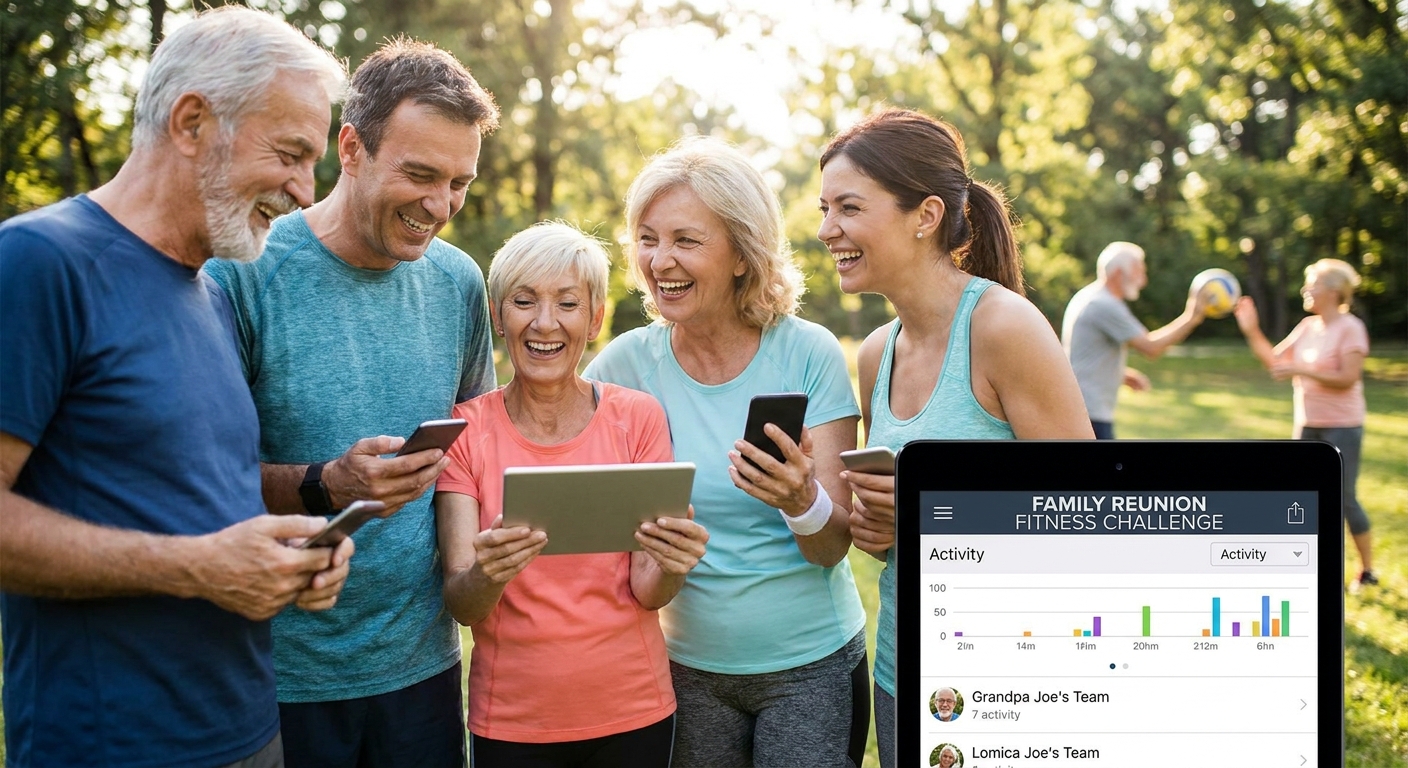
Expected outcome: a live leaderboard updating daily as each connected device syncs.
7. Turn on Roast mode if your group can take it
Roast mode adds automated trash talk when someone falls behind on the leaderboard — optional, and worth skipping for a first-timer group until they've done one clean cycle without it. Once the group trusts the scoring, Roast mode is what keeps a 30-day league from going quiet by day 12.
Common mistake: turning Roast mode on before anyone trusts the leaderboard is fair. Banter lands as fun once people believe the numbers; it lands as an attack when they don't.
8. Check in with Coach Mo mid-cycle
Coach Mo flags when someone's device hasn't synced in over 24 hours, which is the most common reason a leaderboard looks unfair mid-challenge. Catching a sync gap on day 3 of a 7-day challenge, instead of day 7, keeps the whole group's trust in the scoring intact.
Start a cross-device challenge today
Sync Fitbit, Apple Watch, Garmin, WHOOP, or Oura into one leaderboard.
Troubleshooting
Someone's score looks frozen for two days. Check their device's last sync timestamp first — Fitbit and Garmin both throttle background sync if Bluetooth permissions get revoked after an iOS or Android update.
One person without a wearable feels left out. Phone-only tracking on MoveTogether uses the phone's motion sensor for step and movement data, so a $0-hardware entry point still competes on the same leaderboard.
The leaderboard feels unfair by day 3. Switch the scoring metric from raw steps to active zone minutes mid-cycle if the group agrees — it's a five-second setting change, not a full restart.
Timezone confusion on daily resets. Set the Move League's reset time to whichever timezone the most active member lives in, then leave it alone for the full cycle.
WHOOP or Oura data looks delayed compared to Fitbit. Both devices batch-sync less frequently than Fitbit's near-real-time sync; a 1-2 hour lag is normal, not a bug.
A device disconnects mid-challenge. Re-authenticate through the device connection screen — most disconnects are expired API tokens, not lost data.
Tools and resources
- MoveTogether app (iOS and Android) for the actual cross-device leaderboard
- Fitbit app, kept open long enough to force manual syncs during the first 48 hours
- Coach Mo, for scoring recommendations and sync-gap alerts
- A shared group chat for invites and daily trash talk
- MoveTogether for setting up the Move League itself
What to do next
Once your first cross-device cycle finishes clean, the next move is dialing in a fairer weekly structure — pairing a challenge cycle with an actual heart rate training plan keeps the competition from becoming a pure steps arms race.
FAQ
Can Fitbit and Apple Watch users compete in the same challenge?
Not through Fitbit's native app — its challenges only read Fitbit accounts. MoveTogether solves this by pulling data from Fitbit, Apple Watch, Garmin, WHOOP, Oura, and phone-only tracking into one shared leaderboard.
What's the best way to run a fitbit challenge friends with mixed devices can join?
Connect each person's actual device to a shared platform like MoveTogether rather than forcing everyone onto Fitbit. Set active zone minutes as the scoring metric so effort counts evenly across device types.
Is step count or active minutes better for a cross-device challenge?
Active zone minutes score more fairly across device types because they measure elevated heart rate time rather than raw movement. Step count rewards walking-heavy jobs and lifestyles over lifting or cycling.
How much does it cost to run a cross-device fitness challenge in 2026?
Downloading and connecting a device to MoveTogether has no hardware cost beyond the wearable or phone you already own. Check current app pricing directly in the app store listing.
Can someone without a smartwatch join a Fitbit challenge?
Yes, phone-only tracking uses the phone's built-in motion sensor to log steps and activity, which still scores on the same leaderboard. No wearable purchase is required to compete.
Why does my friend's Fitbit data look delayed on a shared leaderboard?
Fitbit syncs near-real-time in most cases, but a device with Bluetooth permissions disabled after a phone update can lag by hours. Force a manual sync in the Fitbit app to clear it.
How long should a cross-device fitness challenge run?
A 7-day cycle suits casual friend groups testing the format for the first time. A 30-day Move League cycle works better for groups already training toward a specific goal.
Does Roast mode work across all connected devices?
Yes, Roast mode's automated trash talk triggers off leaderboard position, not device type, so an Apple Watch user and a Fitbit user get roasted by the same rules.
One last thing
The fitness challenges that die by day 5 almost never die because someone lost — they die because the scoring quietly favored whoever picked steps as the metric. Fix the metric before you fix the invite list.